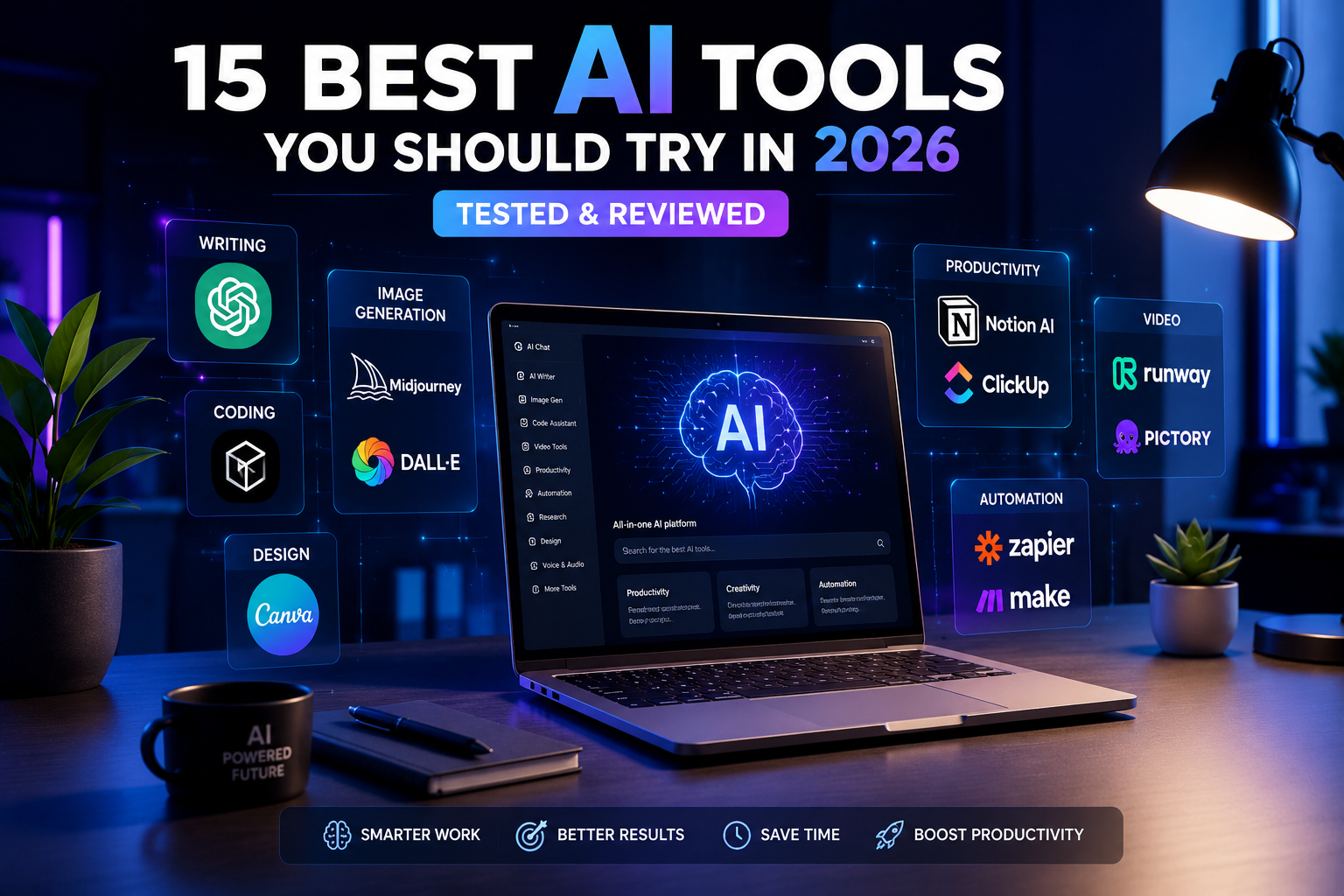
10 Best AI Tools You Should Try in 2026
Artificial intelligence has become an essential part of the modern digital world. Whether you’re writing content, developing software, creating graphics, editing videos, or improving productivity, AI tools can help you accomplish more in less time.
With hundreds of AI platforms available today, choosing the right one can be overwhelming. Some tools specialize in writing, while others focus on coding, image generation, research, or business automation.
In this article, we’ve selected ten of the most useful AI tools available in 2026. Each offers unique features designed to help students, professionals, developers, and content creators work more efficiently.
1. ChatGPT
ChatGPT remains one of the most versatile AI assistants available today. It helps users write articles, generate ideas, answer questions, summarize documents, translate text, and even write code. Thanks to its intuitive interface and continuous improvements, it has become an everyday productivity tool for millions of users.
Best For: Writing, coding, brainstorming, research
Key Features
- Natural conversations
- Code generation
- Image creation
- Document analysis
- Multilingual support
2. Claude
Claude is designed for users who need thoughtful, detailed, and well-structured responses. It performs particularly well with long documents, research papers, reports, and technical writing, making it a favorite among professionals and students.
Best For: Long-form writing, document analysis
Key Features
- Excellent reasoning
- Long context support
- Natural writing style
- File analysis
3. Google Gemini
Google Gemini integrates seamlessly with Google’s ecosystem, including Gmail, Docs, Drive, and Search. It offers strong multimodal capabilities and is an excellent choice for users who already rely on Google services daily.
Best For: Google Workspace users
Key Features
- Google integration
- Image understanding
- Document assistance
- Real-time information
4. Microsoft Copilot
Microsoft Copilot enhances productivity by integrating AI directly into Windows and Microsoft 365 applications. It assists with emails, presentations, spreadsheets, and everyday office tasks.
Best For: Business professionals and Microsoft Office users
Key Features
- Microsoft Office integration
- Email drafting
- Excel assistance
- Presentation creation
5. Cursor
Cursor is an AI-powered code editor built specifically for developers. It helps generate code, explain functions, detect bugs, and accelerate software development without leaving the editor.
Best For: Software developers
Key Features
- AI code completion
- Bug fixing
- Code explanation
- Project-wide understanding
6. GitHub Copilot
GitHub Copilot acts as an intelligent programming assistant by suggesting code in real time. It supports multiple programming languages and integrates directly into popular IDEs.
Best For: Professional developers
Key Features
- Smart code suggestions
- Multi-language support
- IDE integration
- Productivity improvements
7. Midjourney
Midjourney is one of the most popular AI image generators, capable of producing stunning digital artwork from simple text prompts. It is widely used by artists, designers, and marketers.
Best For: AI-generated artwork
Key Features
- High-quality image generation
- Artistic styles
- Detailed rendering
- Creative prompt support
8. Canva AI
Canva AI combines artificial intelligence with one of the world’s most popular design platforms. Users can quickly create social media graphics, presentations, logos, and marketing materials.
Best For: Graphic design
Key Features
- AI image generation
- Magic Design
- Background removal
- Presentation tools
9. Perplexity AI
Perplexity AI offers an AI-powered search experience by providing direct answers backed by cited sources. It is particularly useful for research, learning, and fact-checking.
Best For: Research and learning
Key Features
- Source citations
- Fast answers
- Web research
- Academic assistance
10. Notion AI
Notion AI enhances productivity by helping users summarize notes, generate content, organize information, and manage projects within the Notion workspace.
Best For: Productivity and project management
Key Features
- Writing assistance
- Note summarization
- Task organization
- Brainstorming support